

Dating Safety Photo Checks
Evidence-first guides for checking dating photos, spotting unsafe behaviour and reviewing public pages, without treating a face match as proof of identity.
What do you need to do?
Protect money and accounts first. You can refuse, block or report unsafe behaviour while identity remains unresolved.
Open the safety action guide →Evidence-first reading path
All guides in this topic
6 focused guides
WhatsApp Romance Scam: 8 Safety Checks

Check a possible WhatsApp romance scam with eight safety checks. Protect money and accounts, review public sources, and use Australian reporting channels.
Read the guideMilitary Romance Scams: 8 Signs & How to Check Photos

Learn 8 military romance scam signs, check US Army fee claims and photo reuse, protect payments, and report the account and conduct you observed.
Read the guideTinder Reverse Image Search: How to Check a Match
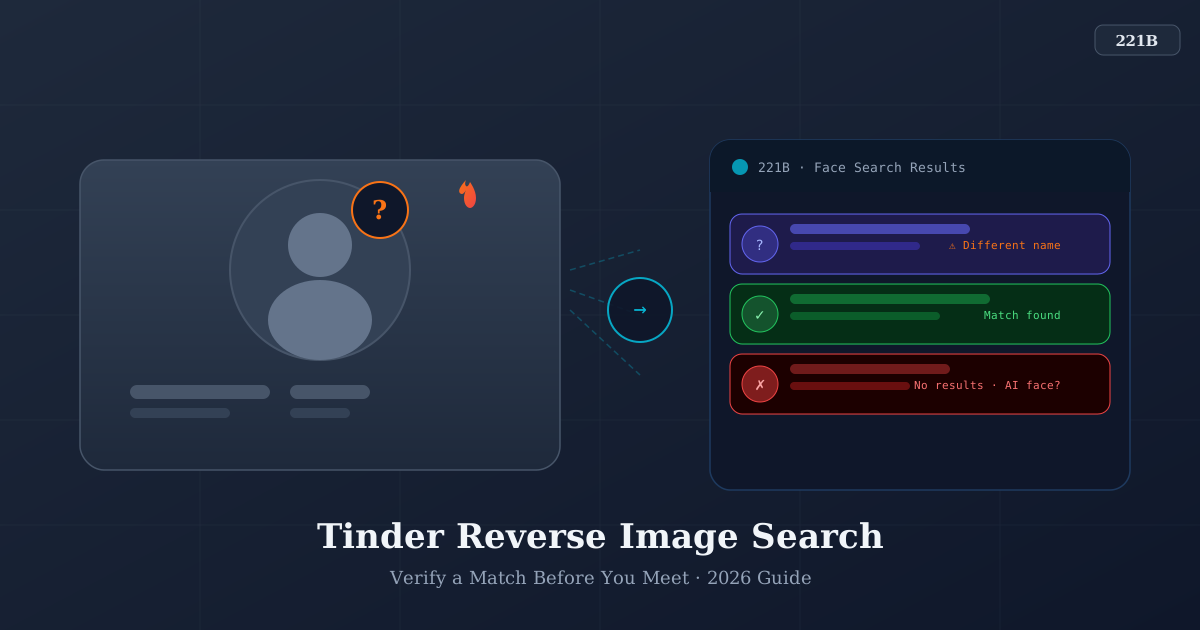
Check a Tinder photo with Google Lens, understand verification badges, and report unsafe requests. A photo match or no result cannot prove identity.
Read the guideHow to Know If Someone Is Real Online: 9 Checks

Use 9 checks to assess an online contact, protect money and logins, handle threats, and plan a first meeting without treating photos as identity proof.
Read the guideHow to Tell If a Profile Picture Is AI-Generated

Check profile-photo provenance, understand visual clues and detector limits, and use public source pages without treating results as proof.
Read the guideDating App Reverse Image Search: Methods and Limits

Choose image search for photo reuse or a bounded face-source lookup. Learn when to stop, how badges differ, and why neither verifies a dating account.
Read the guideAbout this topic and its limits
If a conversation has turned to money, verification codes or threats, deal with that request first. You do not need to identify the person or search a face before refusing payment, protecting an account or asking for help. Photo quality, a missed video call and a badge cannot settle whether someone is safe.
Use the route below that matches what has happened. The online-contact safety guide covers nine checks and immediate actions. WhatsApp romance scam help separates money, login and other exposures, with Australian support routes and regional limits. The military romance scam guide explains US Army fee claims and reporting.
For a specific photo-source question, dating app image search helps you choose a proportionate method; Tinder photo checks adds app-specific badge and reporting limits. The AI profile-picture guide explains why visual artefacts, missing credentials and search results cannot reliably decide whether an image is generated. Search remains optional, and an unresolved identity is a valid reason to stop.
Start with behaviour, platform safety tools, and exact-image search.
Use face search only for a narrow, lawful public-source question.
A candidate page or missing result never proves identity, honesty, or safety.
Your next step
Act on the request in front of you.
Protect money and accounts first. You can refuse, block or report unsafe behaviour while identity remains unresolved.