

PimEyes vs Lenso.ai vs Google Lens: Which Should You Use?
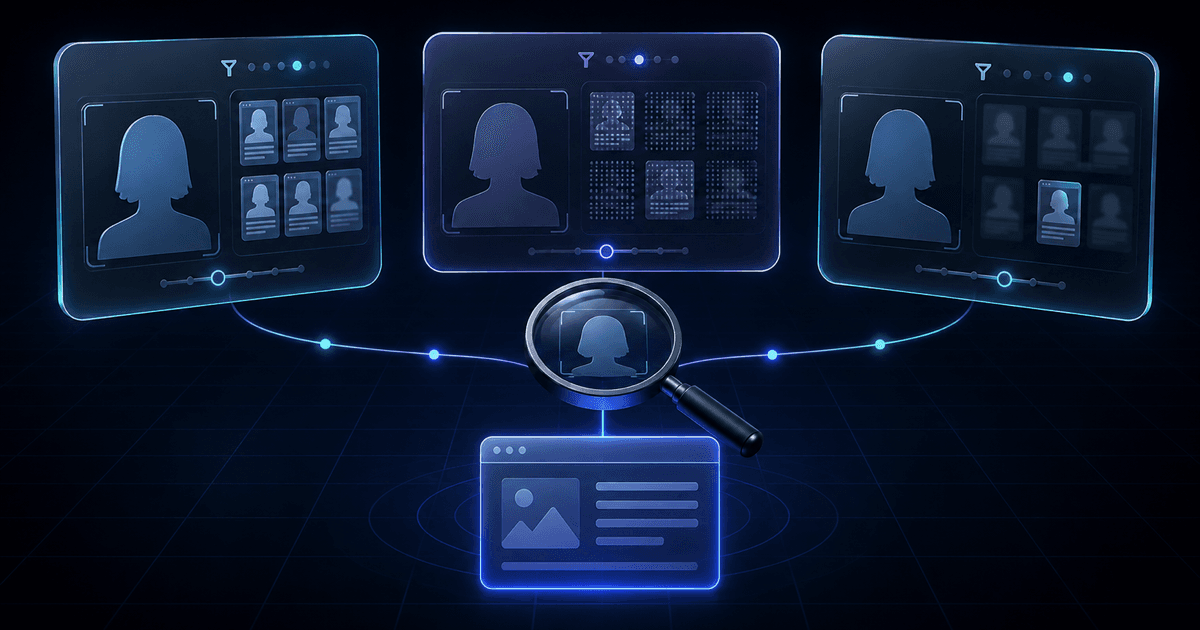
221B publishes this comparison and appears in it. Compare PimEyes alternatives by task →
Quick answer
Choose Google Lens for copies or related images, PimEyes for permitted searches of your own face and monitoring, or Lenso.ai for several image categories where available. Compare source access separately from previews: PimEyes and Lenso.ai both offer one-time options as well as subscriptions. No service guarantees a useful result or verifies identity.
Jump to a section6 sections
PimEyes vs Lenso.ai vs Google Lens at a Glance
The useful comparison is what you can search and open, not which tool has an unmeasured “best accuracy.” The table describes published features checked on 6 November 2026. It does not report matched-photo performance. For a wider shortlist, see the PimEyes alternatives by task.
| Tool | Search task | Free access | Opening sources | Payment choice |
|---|---|---|---|---|
| PimEyes | Face candidates; own-image use | Preview allowance depends on published account terms | Paid access | Subscriptions and one-time access; check the offered price |
| Lenso.ai | People where eligible; duplicate and related-image categories | Some source information blocked | Paid result unlocks | Subscriptions; one-time USD 39.99 offer described in its terms |
| Google Lens | Same or similar images and broader visual context | Free search | Result links when available; destination access can vary | No paid source-unlock plan needed for ordinary Lens results |
All three depend on accessible indexed content. A preview is not a promise of an accessible, relevant destination. Read the actual page before describing what it supports; a thumbnail, name or resemblance cannot establish who operates an account.
PimEyes: Focused Face Search With Monitoring
PimEyes’ pricing page describes face search, monitoring alerts and paid source access. It excludes social-media coverage and says it does not verify identities. Its upload FAQ states a maximum 48-hour retention period for search photos; that is a provider statement, not a deletion test by 221B.
It is not subscription-only. Section 1.2(e) of its terms describes one-time access to result websites and source images. The accessible pricing page did not expose a price for that option, so we do not quote one.
The pricing page lists ten free searches daily; the terms describe three free accesses without an account. PROtect also differs: 125 daily searches on pricing versus 100 in the terms. Confirm the allowance applicable to your account and purchase rather than combining those figures. The terms describe searches of your own image.
Monitoring may fit repeated checks of your own public image. For an isolated task, compare the one-time offer first. A recurring plan only makes sense when its ongoing features are useful to you.
Lenso.ai: Faces Plus Places, Duplicates and Similar Images
Lenso’s pricing page describes image categories, alerts and source unlocks. Starter lists 50 unlocks and 10 alerts; Professional lists 500 unlocks, 50 alerts and Research Mode. These are access allowances, not promised relevant matches.
Its current terms also describe a USD 39.99 non-renewing option: 50 total source unlocks over one calendar month, with unused unlocks expiring. It does not include Research Mode or API access. Confirm the final currency, taxes and availability in the offer before purchase.
People search is limited to the user’s own image, adults and eligible regions; the terms list exclusions including the EEA, UK, Argentina and Illinois. Social-media and login-only content are excluded. Paying does not remove eligibility limits, and permission to use a photograph is not automatically permission to use every service.
Privacy policy section 6A, checked on 6 November 2026, states that ordinary search images and result links remain for up to six hours after the last interaction. Alerts, account materials and report records have separate retention rules; the policy does not apply that limit to every identifier held by an independent provider. The older 24-hour claim is not used here.
Google Lens: A Free Copy and Context Search
Google’s help page says results can include similar images and websites with the same or similar image. Lens can therefore help with a copied photograph, crop, product or other visual context. It may surface an earlier or related page; it does not guarantee the original publisher, photographer or first upload.
Lens is broader than exact-file matching, but it is not an identity verification service. A visually related portrait may simply be a lookalike. A missing result may reflect an index gap, a recent page, a private page or a changed image. It does not imply that the picture is original or the account honest.
For a permitted copied-photo question, a free image search is a reasonable option. If it already answers that question, stop. If it does not, define what a different-photo candidate would add before considering another upload. Our image search versus face search guide explains that decision without turning it into a required sequence.
Which One Should You Use?
| Question | Useful starting point | Stopping point |
|---|---|---|
| Where is this permitted photo reused? | Lens or another copy-search tool | A source answers the reuse question, or available results remain inconclusive |
| Where does my own face appear in different public photos? | A face-search service whose eligibility and privacy terms fit | Review relevant candidates; do not collect unrelated personal information |
| Do I need recurring alerts? | Compare monitoring features and renewal terms | Choose a subscription only when ongoing use warrants it |
| Someone is requesting money or a login code | Protect the payment or account immediately | No photo search is required before refusing an unsafe request |
Before paying, record the amount and currency, taxes, renewal status, access period, expiry, source-unlock count and any refund conditions. A search allowance and an unlock allowance are different units. Also check whether an empty or unhelpful result changes the charge; never assume payment guarantees a useful page.
Inspect the upload policy separately from the sales page. Query photos, saved results, alerts, technical logs and independent processors can have different lifetimes. If you cannot establish that the processing fits your purpose, do not upload. The wider tool comparison helps compare categories without inventing a performance ranking.
Where 221B Fits
221B publishes this article. Its methodology describes candidate public-page retrieval across different photos, with manual source review. Public social pages may appear when indexed, but platform coverage and useful results are not guaranteed. Private accounts and internal platform data are outside its scope.
When offered, an eligible confirmed account can receive one free preview showing available compressed candidate images, platform labels and similarity scores. Source links remain locked. Availability also depends on the shared preview budget and admission limits; signing in does not guarantee an offer. One retry may be offered if the first finishes without showing any candidates. A $6 USD unlock opens the same saved results; it does not run a second search or improve the matches.
A standard paid search uses three credits, including when completed with no candidates. Technical failures trigger an attempt to restore credits. Confirm the current offer and query and history handling before proceeding. The separate free saved sample report needs no upload and runs no new search; it shows one historical result set, not expected performance for your photo.
Key takeaways
- Choose by the source question: copies and related images, different-photo face candidates, or ongoing monitoring.
- Free previews, source-link access and recurring alerts are different features; both PimEyes and Lenso.ai also describe one-time access.
- Published retention statements have exceptions and are not independent deletion audits.
Frequently Asked Questions
Is PimEyes better than Lenso.ai?
Choose by task and eligibility, not an unsupported accuracy ranking. PimEyes focuses on face search and monitoring; Lenso.ai offers multiple image categories. Both describe one-time access as well as subscriptions. This comparison did not run the same permitted photo through both services.
Is Google Lens as good as PimEyes?
They address different questions. Lens can return copies and related images for free; PimEyes specializes in facial-similarity candidates. Neither guarantees the first source, complete coverage, account ownership or identity. A useful copy-search result can make another search unnecessary.
Does PimEyes search social media?
PimEyes says it excludes social-media platforms from its search coverage. Its public-web results should not be described as a way to open private accounts or verify who controls a social profile.
How long do PimEyes and Lenso.ai keep uploaded photos?
Checked 6 November 2026: PimEyes states up to 48 hours for search photos. Lenso’s privacy policy states up to six hours after the last interaction for ordinary search images and result links, with separate rules for alerts and other records. These provider statements are not independent deletion audits.
Which should I use for a dating safety check?
Protect money and accounts first if a request is unsafe. For a specific permitted photo-reuse question, image search may supply context. Face search is optional only when a necessary different-photo question remains and the service permits your use. No result verifies a dating account.
See the output before choosing a search
Open a fixed saved sample to understand candidate images, scores and source review. It runs no new search and does not predict results for your photo.
View the free saved sampleThis historical example is free to read and does not run a search. It does not predict your results.
How we researched this
Documentation comparison updated 6 November 2026 from the official pages linked below. No same-photo test, speed test, deletion audit or accuracy benchmark was performed. Prices are listed only where the amount and scope were accessible; checkout controls taxes, availability and the offer you actually buy.
- PimEyes: Current Pricing and Product FAQ
- PimEyes: Terms of Service
- Lenso.ai: Current Pricing and Product Features
- Lenso.ai: Privacy FAQ
- Google Search Help: Search with an image
- 221B Methodology
- 221B Pricing
- Lenso.ai: Current terms, People eligibility and one-time option
- Lenso.ai: Privacy Policy, retention section 6A
Source review: Di Tang. First published March 23, 2026.
Related Articles
Best PimEyes Alternatives 2026: 7 Free & Paid Tools
Compare 7 PimEyes alternatives like Lenso.ai, Google Lens, Bing, Yandex and TinEye. Free options, current prices and a $6 no-subscription search.
🧭Best Reverse Face Search Engines 2026 (Free & Paid)
Compare the best reverse face search engines in 2026: which are free, which find social media, what they cost, and how to pick one for your situation.
⚖️Face Search vs Reverse Image Search
Compare face search and reverse image search: what each retrieves, when each fits, source review, and why an empty result is inconclusive.