

How to Find Someone on TikTok by Photo (2026 Guide)
TikTok has no built-in reverse-image search, so finding someone by photo means combining Google Lens, manual TikTok search, and source-page review. Here is the full 2026 workflow.
The Short Answer
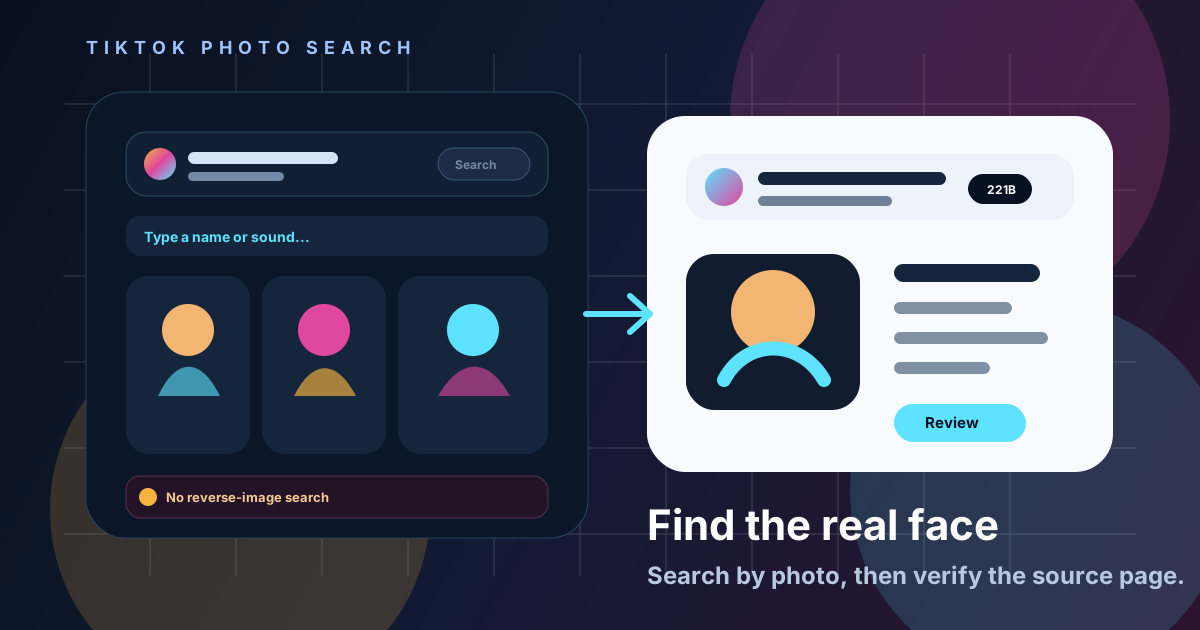
TikTok does not let you search by photo, so finding someone on TikTok from an image means working around the app, not through it: run the photo through Google Lens to check for copies, search TikTok manually with any text clues you find, and use a face-matching tool like 221B when the person may be posting under a different handle with different photos. There is no "upload a face, get a TikTok handle" button inside TikTok itself.
Google says Lens can return similar images and websites with the image or a similar image, which is exactly why it is the right free first step. The harder case — the same person, a different photo, a different bio — is where most people get stuck, and where a paid face-search workflow starts to earn its cost.
Try the workflow
Start with the photo, not the username
Upload the photo to 221B to check for public-web matches of the same face, then cross-check any candidate against the TikTok profile, captions, and comments before drawing a conclusion.
Why This Search Matters More in 2026
TikTok is now one of the most common places people meet strangers, get pitched by "creators," or get targeted with romance and investment scams, which makes identity checks from a single photo increasingly common. The platform's scale means a stolen profile photo can be reused thousands of times before anyone notices.
Regulators have been explicit about the risk. The FTC's consumer guidance recommends a reverse image search of a suspicious profile picture before trusting an online relationship, and the FBI warns that romance scammers build fake identities to gain trust before asking for money. Short-video platforms are not exempt from either pattern — a fake TikTok persona works the same way a fake dating profile does.
Step-by-Step: How to Find Someone on TikTok by Photo
The realistic workflow has six steps, and most of the work happens outside the TikTok app itself. Follow them in order rather than skipping straight to a paid tool.
- Save the clearest photo you have. A front-facing, well-lit, uncropped photo gives every later step better odds.
- Run it through Google Lens. Lens can surface similar images and the websites that host them, which catches copied or stolen photos quickly.
- Note any text clues from the Lens results or the original source. A name, city, employer, or username fragment narrows TikTok's own search dramatically.
- Search TikTok manually using those clues. Try the name, a likely username pattern, and any hashtags tied to the context where you found the photo.
- If the exact photo search comes up empty, upload the photo to 221B. This checks whether the same face appears in other public photos, which is useful when the person uses a different picture on TikTok than the one you started with.
- Open every candidate source page yourself. Read captions, comments, linked bio pages, and posting history before deciding anything matches.
- Cross-check consistency. Compare claimed location, age, job, and timeline across TikTok and any other public profile the search turns up.
- Stop and reassess if nothing lines up. An inconclusive search is a real result — it means you do not have enough public evidence yet, not that you should guess.
Google Lens vs TikTok Search vs 221B
Each tool answers a different question, and confusing them is the most common reason people give up too early or trust a weak match. Use the table below to match the tool to the question you are actually asking.
| Tool | What it searches by | Best for | Main limitation |
|---|---|---|---|
| Google Lens | Exact or near-exact image | Catching a copied or stolen photo | Misses the same person in a different photo |
| TikTok's built-in search | Username, name, keyword, sound | Finding an account once you have a text clue | Cannot search by image at all |
| 221B | Same-face matching across public photos | Confirming identity when the TikTok photo differs from your starting photo | Still requires manual source-page review |
What Works and What Doesn’t
Every method in this workflow has a clear strength and a clear gap, and knowing both keeps you from over-trusting any single result.
- Works: Google Lens for exact-photo reuse — fast, free, and good at catching obviously stolen images.
- Works: TikTok's native search once you have a name, handle, or keyword to type in.
- Works: 221B for checking whether the same face shows up in other public photos when the TikTok picture alone is a dead end.
- Doesn't work: Expecting any tool to hand you a confirmed real-world identity — NIST's face-recognition testing program defines a false positive as an incorrect match between two different people, so a visual match is a lead, not proof.
- Doesn't work: Treating a single matching photo as enough — captions, comments, and posting history still need to line up.
- Doesn't work: Searching TikTok by uploading an image inside the app — that feature does not exist on TikTok.
Why TikTok Itself Won't Let You Search by Photo
TikTok's search bar is built for text, sounds, and hashtags, not images, and that is a deliberate product and privacy boundary, not an oversight. TikTok's Community Guidelines are built around protecting users' personal information and limiting how accounts can be targeted, which is part of why the platform does not expose a reverse-image lookup against its own user base.
That boundary is also why this guide never recommends trying to bypass TikTok's privacy settings or scrape private account data. Everything in this workflow works against publicly visible photos and public TikTok profiles — the same standard TikTok's own Help Center describes for what is visible to the public versus what is restricted to followers.
Verifying TikTok Creators and Influencers Before a Deal or a Date
The same photo-search workflow applies whether you are vetting a brand-deal creator, a TikTok seller, or someone you matched with who linked their TikTok in a dating app bio. The stakes differ, but the method does not.
- Brand deals: Confirm the creator's claimed photos and bio details match consistently across their TikTok, linked Instagram, and any website before sending payment or product.
- Dating app crossovers: If someone's dating profile links to a TikTok, check whether the TikTok photos are the same person across multiple videos, not just one profile picture.
- Marketplace and selling accounts: A real seller usually has a consistent posting history; a thin account with one photo and no history is a flag worth investigating further.
In all three cases, a 221B search is most useful when you already have one confirmed photo and want to know if the same face turns up anywhere else on the public web — not as a replacement for reading the account's actual content.
Common Mistakes When Searching for Someone on TikTok by Photo
Most failed searches come from a handful of repeatable mistakes, and fixing them improves your odds more than switching tools does.
- Using a heavily filtered or cropped photo. Filters and crops weaken every downstream search, free or paid.
- Searching once and stopping. A single Google Lens pass that comes back empty does not mean the person isn't findable — it means that exact image isn't indexed elsewhere yet.
- Trusting a username match alone. Usernames are easy to copy; always check whether the photos and posting history actually match too.
- Skipping the source-page review. A thumbnail that "looks similar" is not the same as an account whose captions, comments, and timeline hold up under a real look.
- Assuming a paid tool removes the need for judgment. Paid face search narrows the candidate list; it does not make the decision for you.
Decision Tree: What Should You Do Next?
If you are unsure which step to take next, work through this decision tree in order.
- Do you have only the photo, with no text clues? Start with Google Lens.
- Did Lens find the exact photo on another account or page? Read that source page before doing anything else — it may already answer your question.
- Did Lens come back empty or inconclusive? Try TikTok's native search with any name, location, or context clue you have.
- Still no confident match, and the person may use a different photo on TikTok? Upload the photo to 221B to check for the same face across other public pages.
- Did 221B return a plausible candidate? Open the TikTok profile yourself and check captions, comments, and posting history for consistency.
- Nothing lines up after all of that? Treat the search as inconclusive. Do not guess, and do not act on a weak match.
Watch: The 221B Workflow
The video below shows the intended workflow in practice: start with a photo, review public-web candidates, and inspect the source pages before drawing any conclusion. It is built for exactly the situation this guide describes — when the TikTok photo alone is not enough to confirm a match.
Use the same order every time: free reverse-image search first, 221B second, manual source-page review throughout.
When Should You Try 221B?
221B is worth using once Google Lens and TikTok's native search have already done their job and the remaining question is whether the same person is behind a different photo or a different handle. That is the exact gap free tools cannot close, because they search images, not faces.
Reach for it if you suspect the TikTok account is using a different profile picture than the one you started with, if the stakes are high enough that an inconclusive free search isn't good enough, or if you need to check the same lead more than once. On 221B, a single face search uses 3 of the Starter Pack's 3 credits for $6, with monthly plans from $29 for recurring work. Read How It Works and Methodology for the review standard before you pay.
Final Checklist
Run through this checklist before you treat any TikTok identity match as confirmed.
- You started with the clearest, least-filtered photo available.
- You ran a free Google Lens search before paying for anything.
- You tried TikTok's native search with every text clue you had.
- You used 221B only after the free steps were inconclusive.
- You opened the actual TikTok profile, not just a thumbnail preview.
- You checked captions, comments, and posting history for consistency.
- You compared claimed details — name, location, job, timeline — across every platform you found.
- You accepted "inconclusive" as a valid outcome rather than guessing.
- You did not attempt to access a private account or bypass TikTok's privacy settings.
Frequently Asked Questions
Can I reverse image search directly inside TikTok?
No. TikTok search works by username, name, keyword, and sound, but it has no feature to upload a photo and search by image. Any photo-based search has to happen outside the app, using a tool like Google Lens or 221B.
What is the fastest free way to find someone on TikTok from a photo?
Run the photo through Google Lens first. It is strong at catching copied or stolen images and can sometimes surface the original source page, which may contain the name or handle you need to search TikTok directly.
Why would Google Lens fail to find a TikTok user?
Lens matches images, not faces. If the person uses a different photo on TikTok than the one you are searching with, or if the photo is cropped or heavily filtered, an exact-image tool can come back empty even though the person is on the platform.
When does it make sense to use 221B instead of just Google Lens?
Use 221B when Google Lens is inconclusive and you suspect the same person may be using a different photo on TikTok. 221B checks for the same face across other public photos, which is a different and broader search than exact-image matching.
Is it safe and legal to look someone up on TikTok from a photo?
Searching publicly visible photos and public TikTok profiles is generally fine for personal verification, such as checking a dating match or a creator before a deal. It is not appropriate to use these searches to access private accounts, harass someone, or bypass TikTok privacy settings.
How do I know if a TikTok match is actually the right person?
Treat any photo match as a lead, not proof. Open the TikTok profile yourself and check whether captions, comments, posting history, and claimed details like location or job stay consistent before you trust the match.
Tags
See what a 221B result looks like first
Review a sample report before uploading your own photo. The useful output is source-page context, not an automatic identity claim.
View a sample reportRelated Articles
How to Find Someone on Instagram by Photo (2026 Guide)
A safe 2026 tutorial for finding an Instagram account by photo using Google Lens, reverse face search, public clues, and source-page review.
🧭How to Find Someone on Social Media by Photo (2026 Guide)
A safe, practical 2026 workflow for finding social media accounts by photo with Google Lens, reverse face search, source-page review, and 221B.
🎭How to Detect Catfishing with AI Face Search
Learn how to use AI-powered reverse face search to detect catfishing, verify online identities, and protect yourself from romance scams in 2026.
🔍How to Find Someone by Photo: 7 Safe Steps (2026)
Learn how to find someone by photo safely using reverse image search, reverse face search, source-page review, and a verification-first workflow.